

SUNSCAN SunSwim Swimming Pool Heat Pumps Quick Setup Guide

Please note these are basic keystroke details to setting up your system. For in-depth information, please consult your manual.
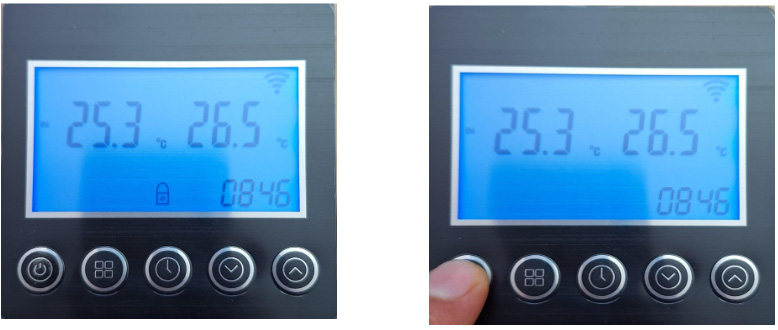
Unlock Display
Press and hold “POWER” button (3-5 Sec)
Padlock on display disappears. (this step is required to make all adjustments, the display will “re-lock” after 20 Secs. If no adjustments are made)
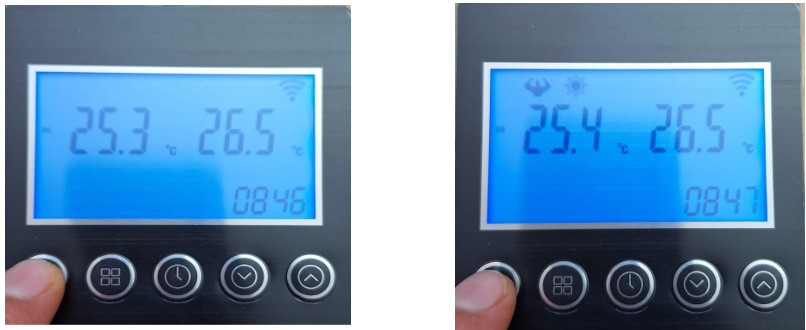
Switch Heat Pump On
Quick Press “POWER” button
Previously selected MODE appears at top of display, the Heat pump is now “ON”.
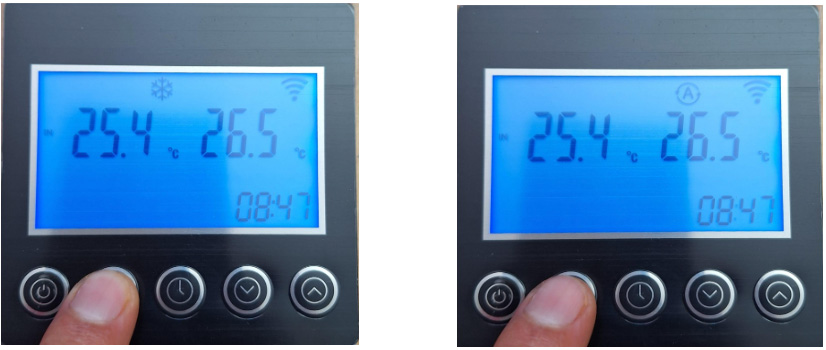
MODE Selection
Press and hold “MODE” button (3-5 Sec)
Icon at top of screen changes, repeat process to cycle through modes.
Various modes “BOOST”, “COOLING”, “AUTO” and “ECO” , BOOST is recommended see above. Mode selection can only be made in the “ON” state.
Set Desired Temperature
(Note only “BOOST” and “COOLING modes allow user defined set temperature)
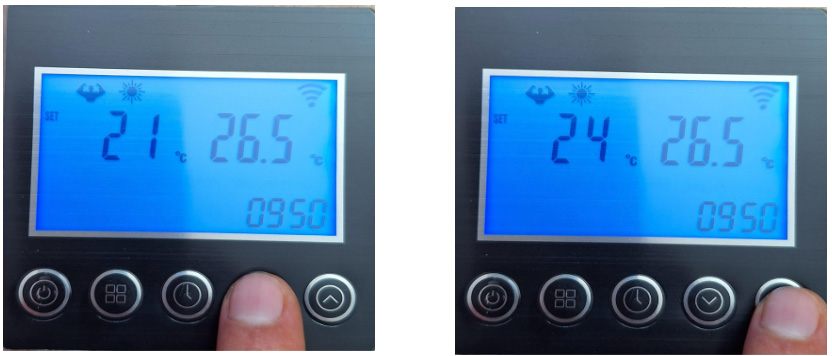
Ensure Display is unlocked, Press “UP” or “DOWN” button, “SET” appears left on display along with flashing temperature, press “UP” or “DOWN” button until desired temperature is displayed. (Quick press “POWER” button to save and exit, or after 20 Secs. Of inactivity selection will be saved automatically)
Set Clock
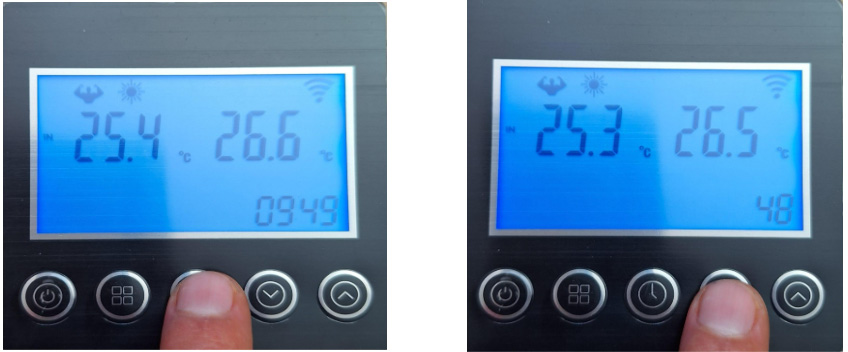
Ensure display is unlocked, quick press “CLOCK” button, the hour will flash, press “UP” or “DOWN” button to adjust hour, quick press “CLOCK” button, the minutes will flash, use “UP” or “DOWN” button to adjust the minutes, press “CLOCK” button to save and exit.
Set Timer
(Note there are three potential timers within a 24Hr period, repeating, in order to cancel any or all timers the “ON” and “Off” for each timer listed 1 – 3 should be set to 00:00 eg. 1 ON 00:00 1 OFF 00:00) (If all timers are canceled heat pump will remain in the on state and will heat water when water flow is detected)
Ensure display is unlocked, press and hold “CLOCK” button (3-5 Sec)
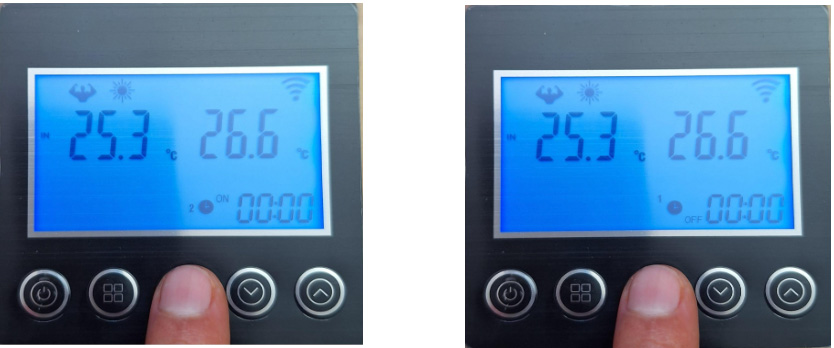
“1 ON” is displayed with the hour flashing, Press “UP” or “DOWN” button to adjust the hour to desired start time, quick press “CLOCK” button the minutes flash, Press “UP” or “DOWN” button to adjust minutes to desired start time, quick press “CLOCK” button “1 OFF” is displayed with the hour flashing, Press “UP” or “DOWN” button to adjust the hour to desired end time, quick press “CLOCK” button the minutes flash, Press “UP” or “DOWN” button to adjust minutes to desired end time, quick press “CLOCK” button “2 ON” is displayed, repeat above
process until all three timers have been set, (Quick press “POWER” button to save and exit, or after 20 Secs. Of inactivity selection will be saved automatically)
Reset Wi-Fi Receiver
(Download Smart Life App. follow on screen prompts, add device, select Wifi Scenario switch)
When prompted to weather symbol is “blinking fast or slow” press and hold “POWER”, “DOWN” and “UP” buttons simultaneously (3-5 Sec)
Wifi symbol flashes on screen (top right hand corner), continue on app.